August 31, 2026
Edit your running plan directly with the edit button
Changed goal, different level or an extra training day? No need to start over: open your plan, click Edit in the toolbar and adjust that part — your plan recalculates itself, and you see up front what changes.
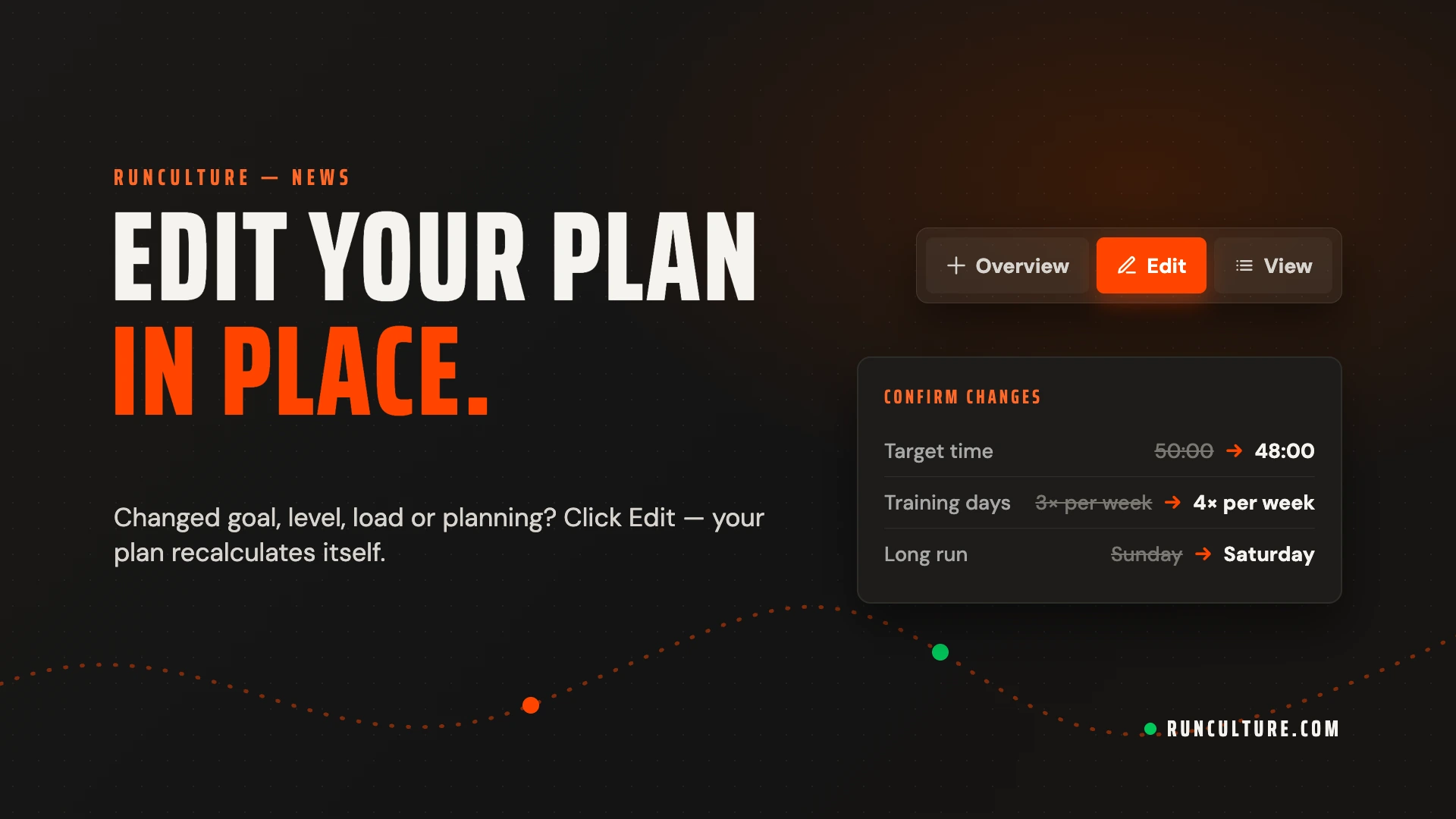
A training block rarely goes exactly as planned. Your race moves, your pace develops faster than expected, or that fourth training day turns out not to fit after all. Until now that meant creating a new plan. Not anymore — you can now adjust your plan directly from the plan itself.
How it works
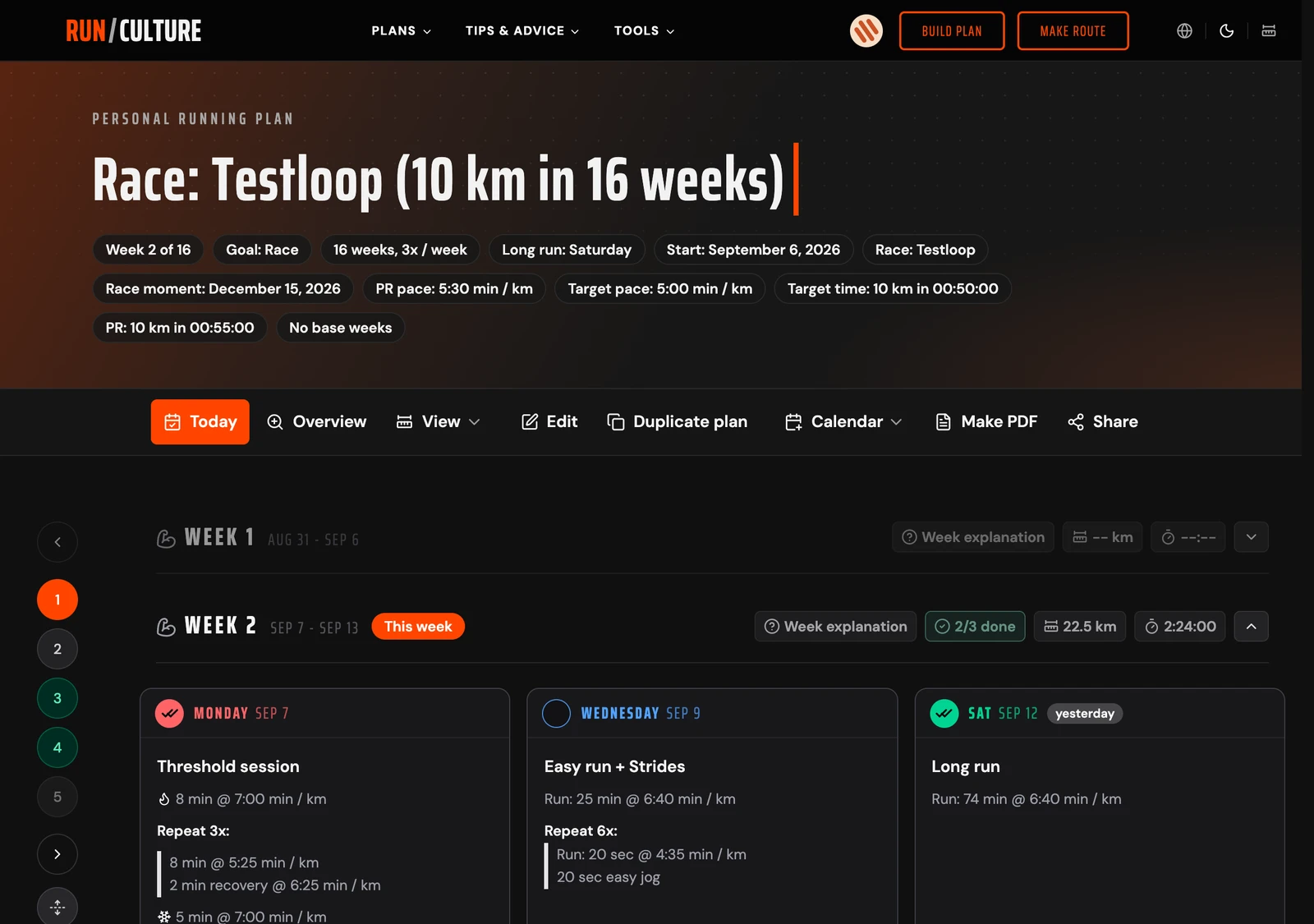
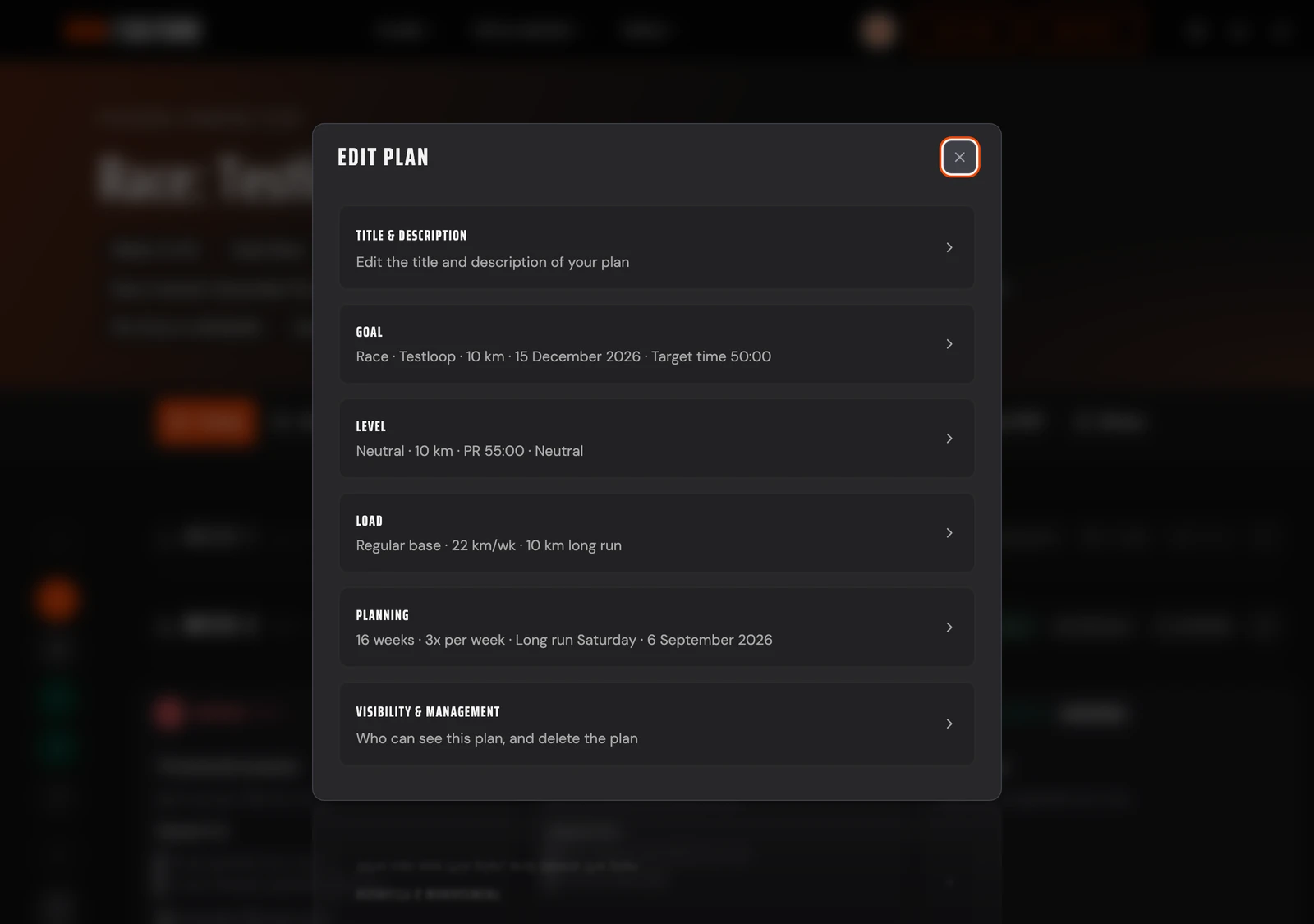
Open your plan and click Edit in the toolbar above the week overview. Pick the part you want to change: Goal, Level, Load or Planning, as well as the title & description and the visibility of your plan. Each part opens in the same familiar step as when you created your plan, but pre-filled with your current settings. Change what you want and save — your plan is recalculated with everything you changed.
No surprises
Before anything becomes final, you first see Confirm changes: the old and the new value per setting. If you've adjusted sessions by hand or attached routes to training days that no longer fit the new plan, that's listed up front, including the weeks it affects — and you decide whether to go ahead. Adjustments and attached routes that still fit simply stay. You never silently lose work.
A goal that's still a bit out of reach
Pick a target time that isn't realistic yet based on your records, and your plan says so honestly: it trains towards the realistic interim goal, and the goal badge at the top shows what you're working towards. Want to train for your own target anyway? Turn on Ignore the limits under Goal.
For all your plans
You'll see the Edit button on every plan linked to your account as soon as you're signed in; visitors of a shared plan don't see it. Created a plan without an account? Sign in with the email address you used when creating it, and the plan is automatically linked to your account so you can edit it too.
Create or open your plan at runculture.com/plan/personal.